


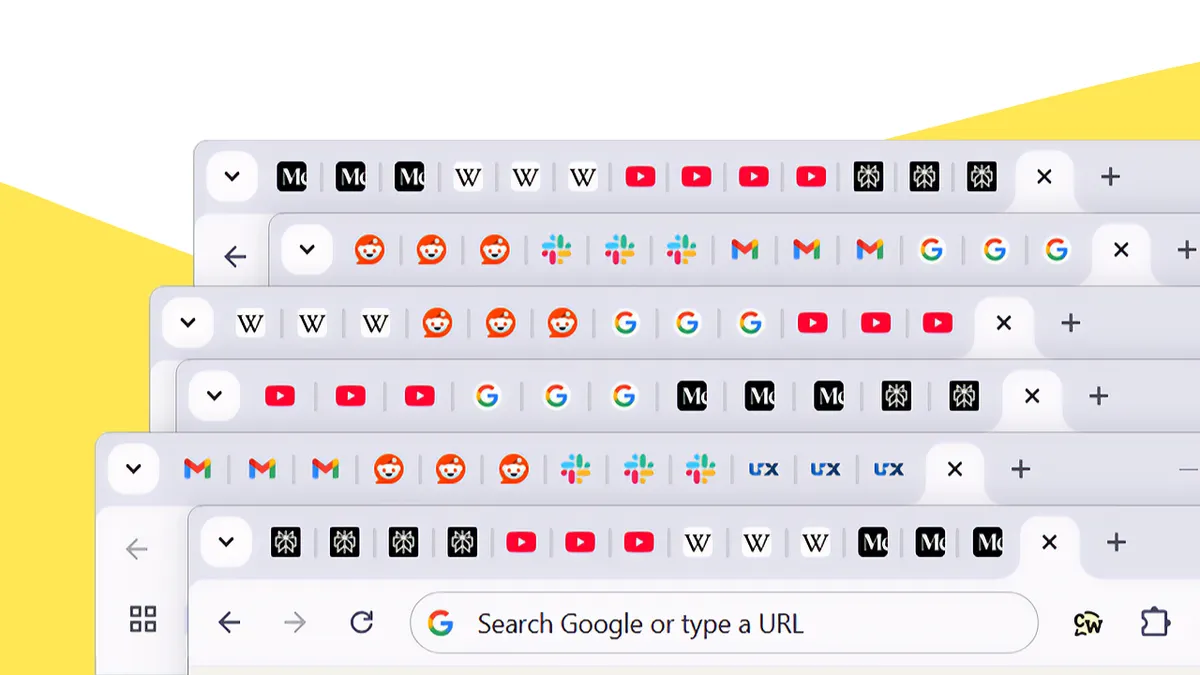
Look at the top of your browser right now. If a row of narrow, unlabeled tabs stares back, each one shrunk to a sliver of its icon, you are in familiar company. A half-read article sits beside a shopping page, a video you meant to watch, an email thread, and a document from yesterday's task.
Tabs are a genuinely useful tool. They let you hold several things at once and jump between them without losing your place. The difficulty is not the feature itself but the quantity. Past a certain point, open tabs stop functioning as a workspace and start behaving like clutter. This article looks at why they pile up, what that pile actually costs you, and how a short set of habits keeps things manageable. It closes with where an ad-blocking extension fits, since the clutter on each page matters as much as the number of tabs.
Why the Tabs Keep Piling Up
Open tabs rarely accumulate on purpose. They gather because of how modern browsing works.
One page leads naturally to the next. An article links to a source, the source cites a study, and a quick comparison of two products branches into five. Rather than close each page and risk losing the thread, most people leave them open as a kind of to-do list. The tab becomes a reminder: come back to this later.
That habit is reasonable in the moment. The problem is that “later” rarely arrives on schedule. Reminders stack up faster than they get cleared, and a workspace meant to hold three or four items ends up holding thirty. Browsers manage large numbers of tabs well from a technical standpoint, but managing them is a separate matter from making sense of them.
The Hidden Cost of a Crowded Browser
A crowded tab bar does more than look busy. It carries a practical cost that builds quietly over time.
The most immediate effect is on navigation. When tabs shrink to indistinguishable slivers, finding the right one turns into a hunt. You click through several before landing on the page you wanted, and each detour interrupts whatever you were doing.
A row of unfinished tabs works like a standing list of open loops — each one a small signal that something remains undone. On the mental cost of clutter
There is a mental cost as well. That background pressure makes it harder to concentrate on the task in front of you, whether you are reading closely, comparing options, or working through a longer piece of research. The takeaway is simple: fewer tabs usually means clearer thinking and faster navigation. A tidier browser tends to feel calmer to work in.
Simple Habits for a More Organized Browser
Getting a browser under control does not require a new workflow or technical skill. A few routine habits handle most of the clutter. None of these takes more than a minute or two, and applied consistently they keep the tab bar readable and the workspace aligned with what you are actually doing. The step-by-step routine below sums them up.
How Ad-Blocking Extensions Reduce On-Page Distractions
Organized tabs solve one half of the problem. The other half lives inside each page you open.
Even a single well-chosen tab can be crowded. Advertising banners, promotional pop-ups, autoplay media, and web trackers frequently load alongside the content you came for, competing for the attention you were trying to focus. Managing your tabs does nothing about that layer.
This is where a browser extension can help, working on top of the settings your browser already provides. An ad blocker reduces intrusive ads, and many also limit a portion of the web trackers tied to advertising networks. Because certain elements never load, pages tend to appear cleaner and read more smoothly, and less of your activity is passed along to those networks.
It helps to be precise about the role such a tool plays. An ad blocker is not antivirus software, and it is not a complete browser security solution. It handles advertising clutter and tracking, while your habits and settings cover the rest.
Why Many Users Choose the Total Adblock Browser Extension
For anyone looking to simplify both the tab bar and the pages within it, the Total Adblock Browser Extension is one option worth considering. It is designed to block intrusive ads, reduce many web trackers, and produce cleaner pages across the sites it supports.
In everyday use, the benefit usually shows up as readability. With fewer elements competing for attention, articles, shopping pages, and research feel easier to scan and move through. That practical difference is much of the reason people install it.
The limits are worth stating plainly. The Total Adblock Browser Extension is not antivirus software and does not provide complete cybersecurity protection. Its purpose is narrower: supporting online privacy and improving browsing comfort through ad and tracker management. Used alongside organized tabs and responsible habits, it fits into an everyday routine rather than replacing any part of it.
Simplify Your Browser, Simplify Your Day
A calmer browsing experience often comes down to two things: keeping the tab bar readable and keeping each page free of unnecessary clutter. Bookmark what you want to revisit, close what you have finished, and let a short maintenance routine handle the rest.
If you would like to reduce intrusive ads, limit many web trackers, and enjoy cleaner webpages, the Total Adblock Browser Extension may be a practical addition to your everyday browsing routine.